What is Scissor Office?
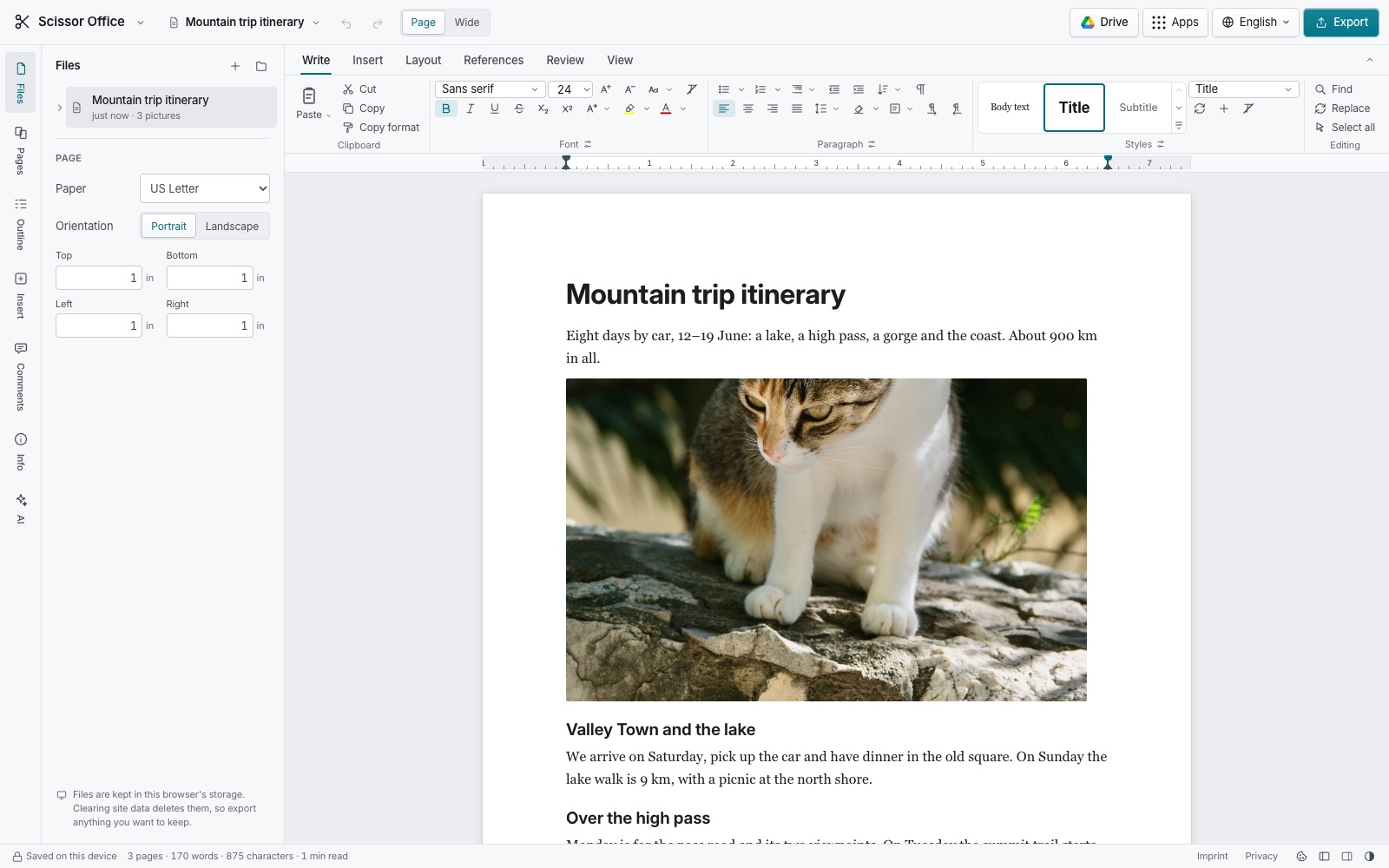
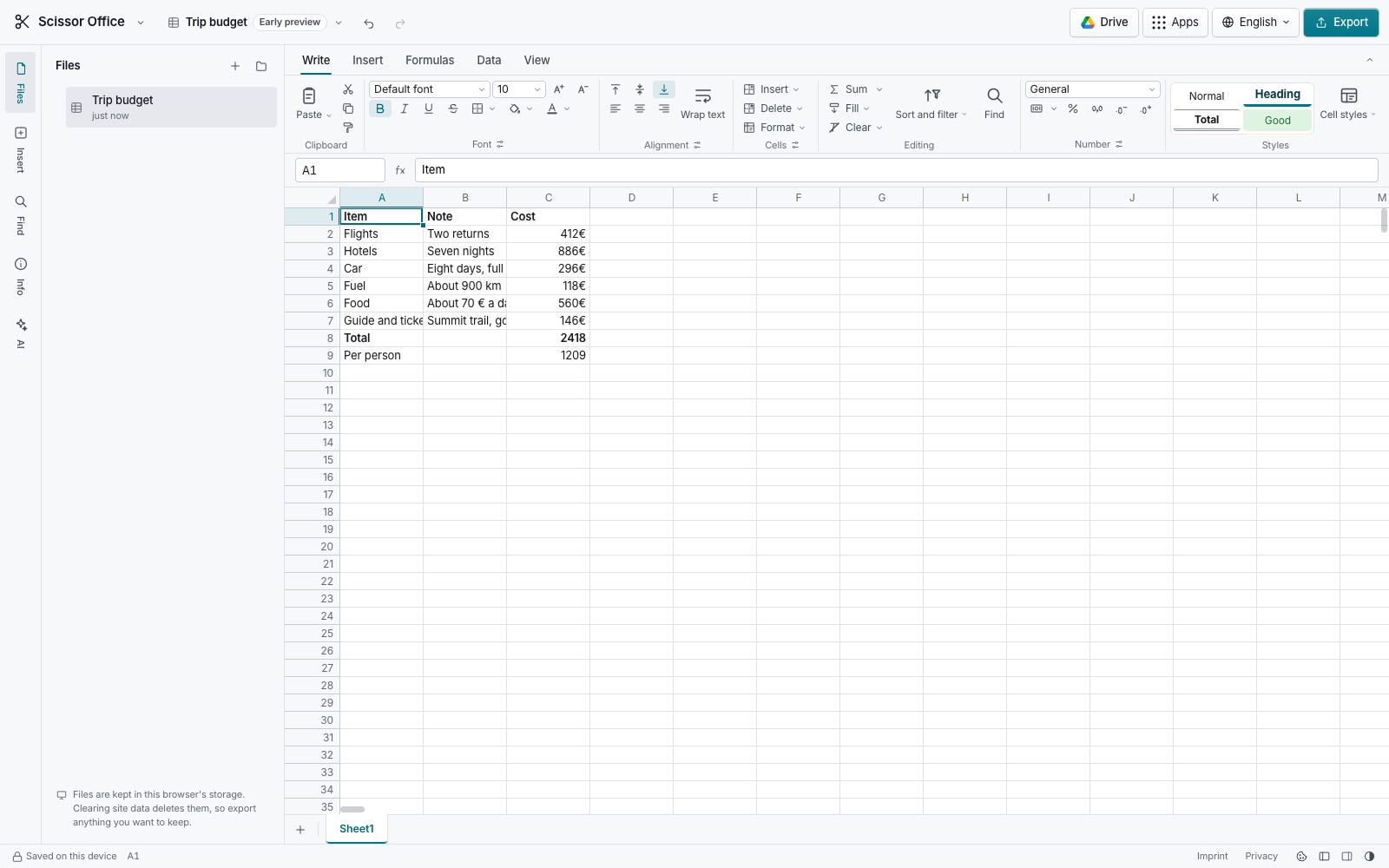
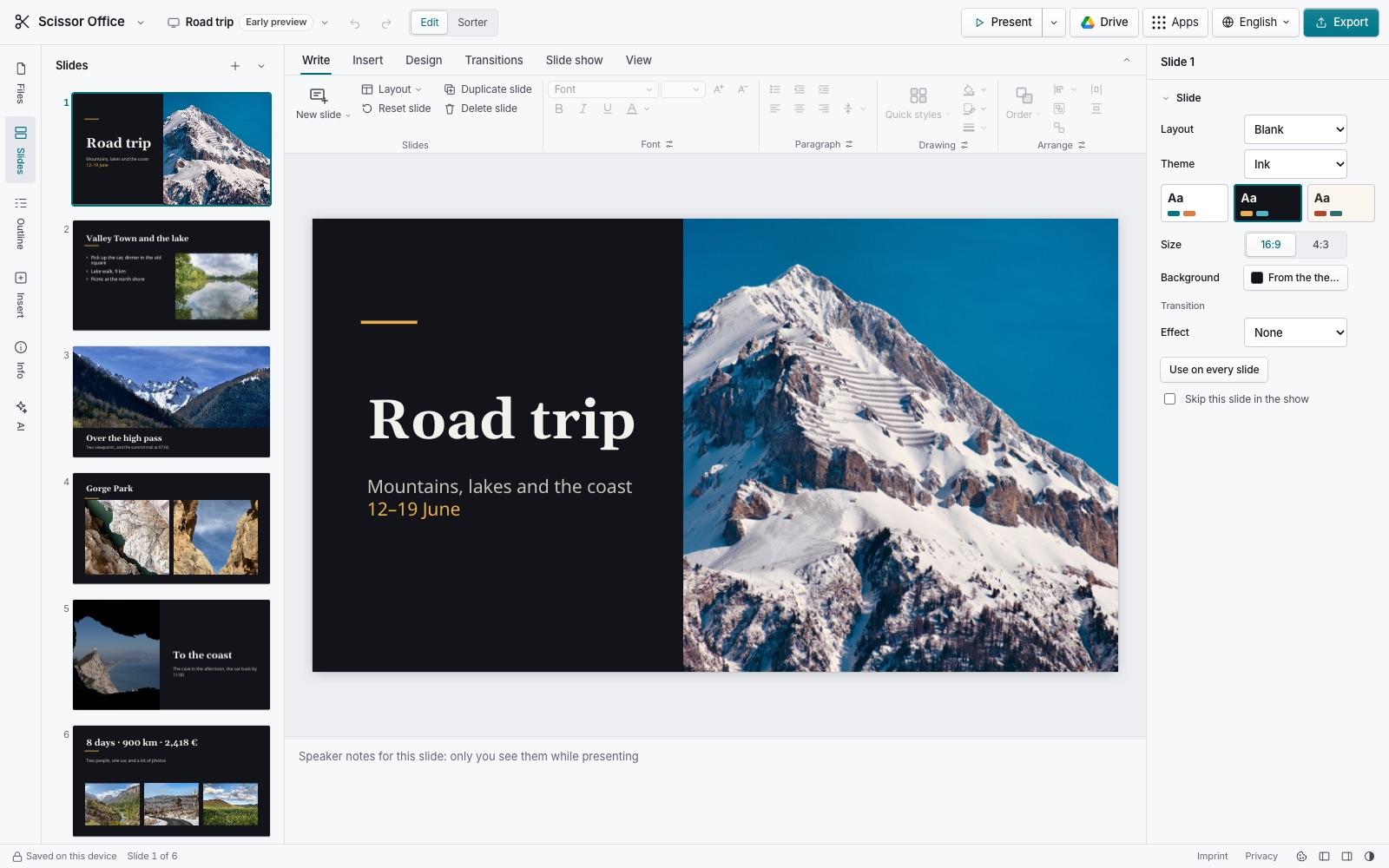
Scissor Office is a free office suite that runs entirely in your web browser. Its first app, Documents, lets you write and format text, keep drafts on your device and save them as DOCX, ODT, HTML, Markdown, plain text or PDF. Presentations and Spreadsheets are available as early previews.
Are my documents uploaded?
Not to our servers. Files are read and written by an engine that runs inside your browser tab, and your documents are kept in your browser's storage on your device. They reach Google only if you choose to open from or save to your own Google Drive. The page's security policy lets it contact only this site, and Google's sign-in and Drive services when you use them.
Can it open Word files?
Documents opens .docx files, the format Microsoft Word saves by default, as well as OpenDocument text (.odt), PDF, LaTeX (a .tex file or a .zip project), Markdown and plain text, and Google Docs files from your Drive. It keeps text, headings, lists, links, pictures, bold, italic, underline, alignment and the paper size. From a PDF it rebuilds the text, headings and lists, which works best for documents made from text rather than scans. Tables, comments and tracked changes are not kept yet. Word 97–2003 .doc files open too.
Can it open old .doc, .xls and .ppt files?
Yes. Documents opens Word 97–2003 .doc and .dot files with their text, headings, bold and italic, lists, links, pictures, page size and right-to-left paragraphs; tables come in as lines with tab-separated cells for now. Presentations opens PowerPoint 97–2003 .ppt, .pps and .pot files with their slides, text, shapes, pictures, speaker notes, hidden slides and transitions, and saves them as PPTX or ODP. Spreadsheets opens Excel 97–2003 .xls files with their values, formulas, formatting, column widths, row heights, merged cells, frozen panes and links, and saves them as XLSX or ODS; charts, pictures and comments in them are not read yet. All three are read in your browser; the file is not uploaded.
Where are my documents stored?
In this browser on this device (IndexedDB storage). They stay when you close the tab, but clearing your browser's site data deletes them, and they do not sync to other devices. Save a copy with Export to keep one safe.
Does it work with Google Drive?
Yes, if you want it to. Open from Google Drive and Save to Google Drive go straight between your browser and your own Drive. Scissor Office asks only for access to the files you open or save with it, never the rest of your Drive, and we never receive your Google account or your files.
Does it work offline?
Yes. After your first visit the app is kept by your browser, so you can open it and write without a connection. You can also install it as an app from your browser.
Is it really free?
Yes. No sign-up, no ads and no paid tier. Scissor Office is part of Scissor, a family of private, in-browser tools.
Is Scissor Office related to Microsoft Office, Google Docs or LibreOffice?
No. Scissor Office is an independent project with its own design and code. It opens and saves common file formats so you can work with people who use other software.
Can it open PDF files?
Yes. Documents rebuilds a PDF's text into an editable document: paragraphs, headings, lists, bold and italic, pictures and the page sizes, including PDFs whose pages have different sizes. It works best for PDFs made from text; for scans, Scissor PDF can run text recognition first.
Can it open LaTeX files?
Yes, a .tex file or a .zip of a LaTeX project. Scissor Office reads the main file, pastes in the files it includes, and keeps sections, lists, emphasis, links and the project's pictures. Math is kept as its LaTeX source.
Does it support right-to-left languages?
Yes. Each paragraph takes its direction from its text, so Arabic, Persian, Hebrew and Urdu read right to left without any setting, and you can set a paragraph's direction by hand. The direction is saved in DOCX, ODT and HTML.
Can one document have pages of different sizes?
Yes. Start a new section from any paragraph and give it its own paper size, orientation and margins, for example a landscape page for a wide table. Sections are saved in DOCX and ODT.
Microsoft Word, Excel and PowerPoint are trademarks of Microsoft Corporation. Pages, Numbers and Keynote are trademarks of Apple Inc. LibreOffice is a trademark of The Document Foundation. Google Docs is a trademark of Google LLC. Scissor Office is independent and not affiliated with, endorsed by or connected to any of them. File formats are named only to say what Scissor Office can open and save.